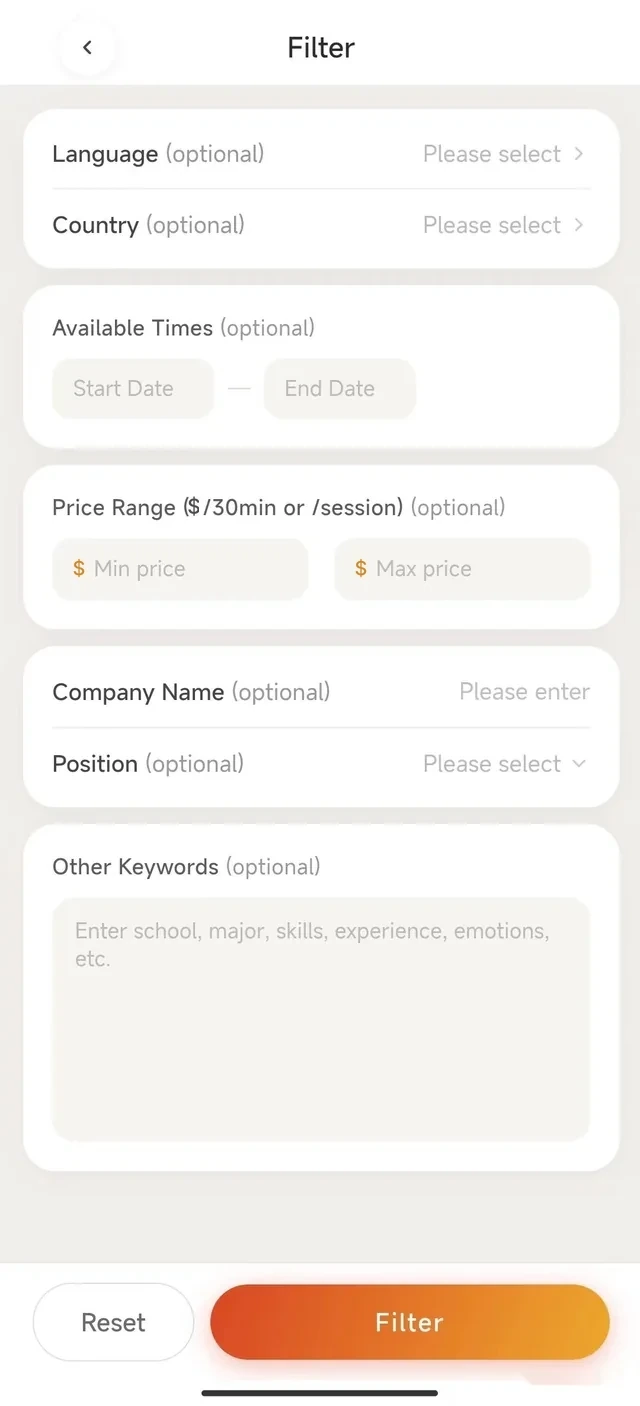
Search with context
Filter by language, country or location, availability and price. Add keywords such as a company, role, school, subject, skill, experience, interest or the situation you are navigating.
When a decision feels unfamiliar, a conversation with someone who has been through something similar can add the context that search results cannot. Humanus helps you find that person and have a meaningful one-to-one conversation.
Filter by language, country or location, availability and price. Add keywords such as a company, role, school, subject, skill, experience, interest or the situation you are navigating.
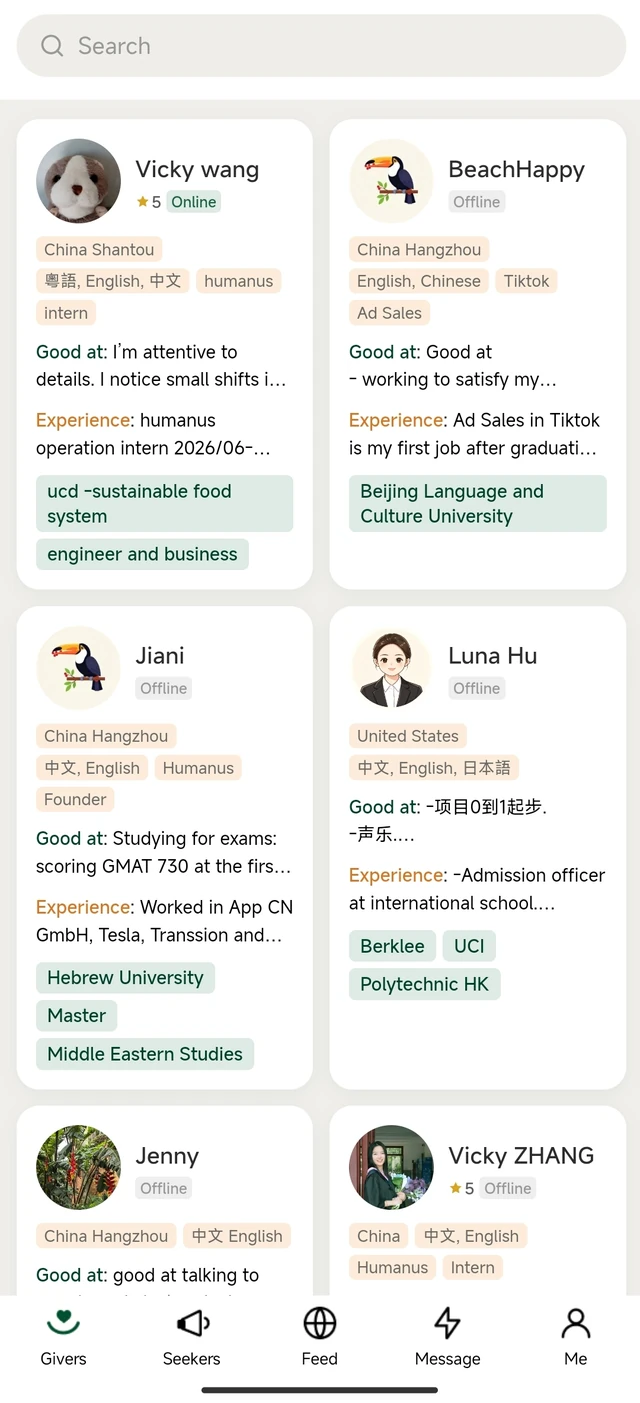
Read about a person’s background, work and life experience, strengths, values, skills and the topics they are comfortable discussing. Browse beyond your search to discover people and perspectives you may not have expected to find.
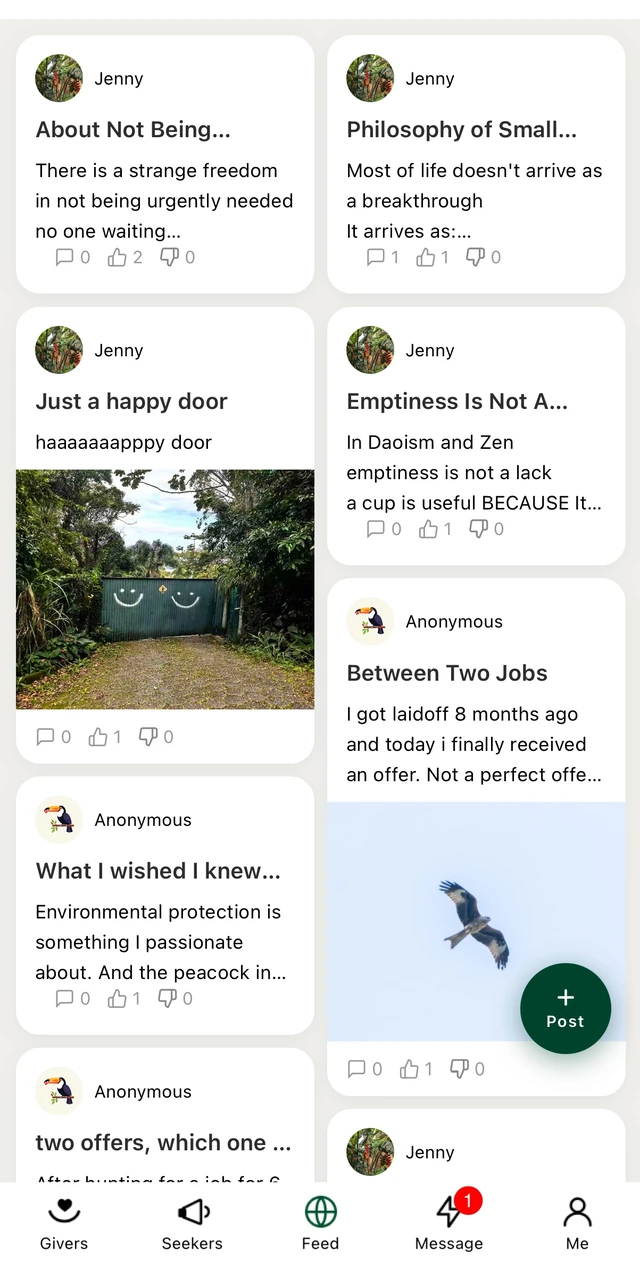
Discover text, photo and video posts. Share a question, describe what you are looking for or put a feeling into words, so people with relevant experience may find and connect with you.
Take time to understand the Giver’s experience and reviews. Save profiles or posts you may want to return to.
Use chat to explain what you hope to discuss, ask questions and check that the conversation is a good fit before booking.
Leave a note with the booking during payment. It gives both people context and time to prepare for the conversation.
Meet for a private one-to-one voice conversation. Afterwards, both the Seeker and Giver can leave a review about the exchange.
Note You can save profiles and posts for later. You can also report or block an account in the app if you encounter behaviour that concerns you.